Indie game creator
You have a concept image for a prop, creature, or environment object but no base mesh.
Generate a rough 3D starting point, then refine proportions and topology in your usual tools.
AI MODEL GENERATION
ai-generated 3d models from image references can turn a clear visual idea into a usable starting mesh. This guide separates the AI generation path from a general 3D workflow, then shows how to begin with realistic expectations.
Use the AI-focused route when you want an image interpreted into geometry quickly. These related pages cover the surrounding browser workflow, access questions, and practical output choices.
This capability is most useful at the point where a flat reference needs to become a three-dimensional concept. It is not a replacement for every modeling workflow.
You have a concept image for a prop, creature, or environment object but no base mesh.
Generate a rough 3D starting point, then refine proportions and topology in your usual tools.
A reference image communicates the silhouette of a product faster than a written specification.
Explore a spatial concept before investing time in a clean production model.
A room object or furnishing exists as a single image and needs a quick 3D approximation.
Test scale, placement, and overall form before detailed reconstruction.
You want to move from a visual idea to a printable object without modeling every surface from scratch.
Use the generated form as an editable beginning, then inspect it carefully before slicing.
A strong reference and a specific goal give the generator better information than a cluttered image or a vague request.
Use a well-lit image with the subject separated from its background. Make sure the important silhouette and major surfaces are visible.
Add a short instruction about the object, style, proportions, or notable features you want preserved. Keep the request concrete.
Treat the output as a first pass. Check hidden surfaces, thin parts, scale, and topology before using it in a scene or fabrication workflow.
The AI image-to-model entry point is designed for rapid interpretation. A general 3D workflow gives you more direct control, but it also asks you to do more of the construction yourself.
| AI image-to-model entry point | General 3D workflow | |
|---|---|---|
| Starting material | One clear image and a concise description | Reference images, measurements, sketches, or an empty scene |
| Main strength | Fast conversion from visual idea to rough 3D form | Precise control over geometry, topology, and dimensions |
| Best early use | Concept exploration and first-pass asset creation | Production modeling and exact reconstruction |
| User effort | Guide the input, then inspect and refine the result | Build, shape, and revise the model directly |
| Hidden surfaces | May be inferred from limited visual evidence | Can be designed deliberately from every angle |
| Final readiness | Usually needs cleanup before professional or physical use | Depends on the quality and discipline of the modeling process |
AI generation is useful because it accelerates the first pass, not because it removes the need for judgment. These are the boundaries to plan around.
A single image does not fully reveal the back, underside, or internal structure of an object.
What to do instead
Supply additional views when available, or manually rebuild the hidden areas after generation.
Small hardware, lettering, thin parts, and repeated patterns can be simplified, misplaced, or softened.
What to do instead
Use the output as a blockout and replace critical details with deliberate geometry or textures.
The generated mesh may contain holes, thin walls, intersecting surfaces, or an unsuitable scale.
What to do instead
Run mesh checks, repair the geometry, set dimensions, and test the file in your slicing workflow.
A plausible shape is not automatically the right shape for your game, product, scene, or reference.
What to do instead
Compare the result against your brief and revise proportions, materials, and topology by hand.
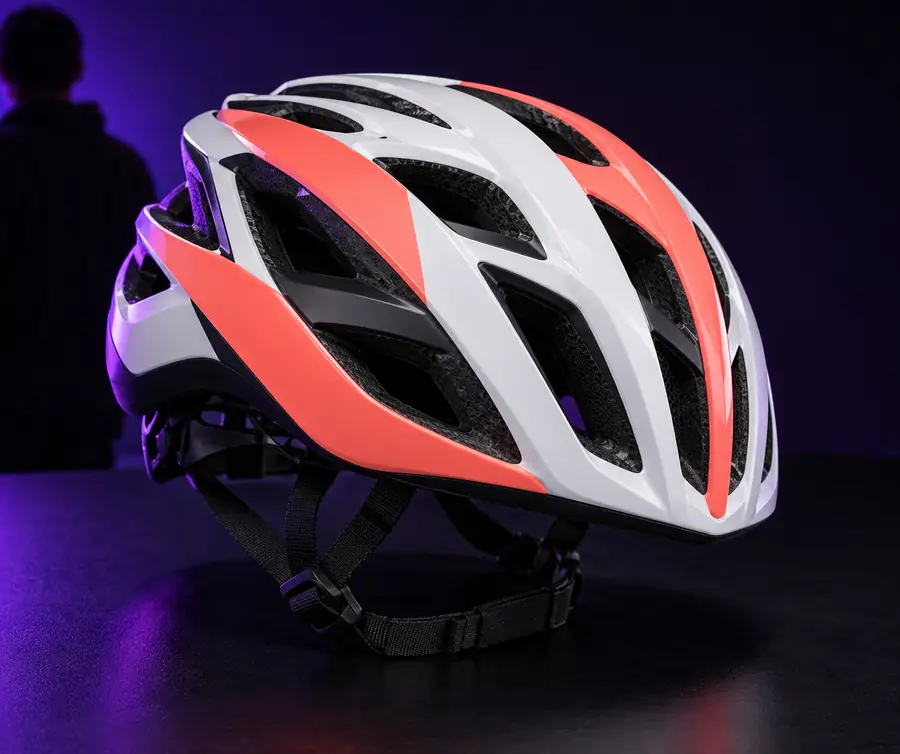
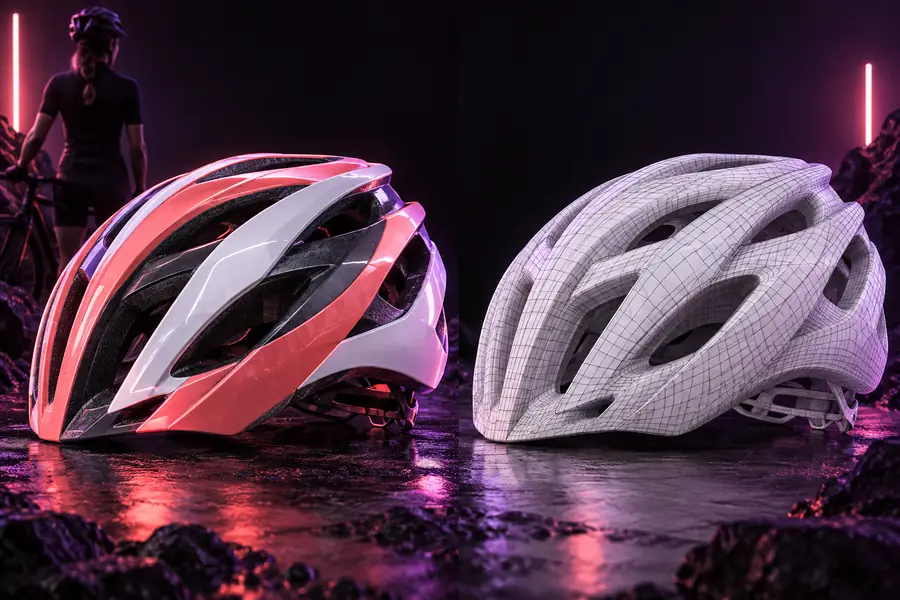
The output is a starting point, not a perfect scan.
Image referenceGenerated model conceptTry the AI generation path when you need to explore form quickly. Start with one useful reference, describe what matters, and keep a refinement pass in your plan.
They are best for creating a rough 3D interpretation from a visual reference. Common uses include concept exploration, early asset blocking, and testing an object idea before detailed modeling.
One image can provide enough information for a useful starting form, but it cannot show every surface or hidden structure. Expect the tool to infer unseen areas and plan to inspect or revise them.
A written description helps clarify what the image alone does not communicate, such as style, proportions, materials, or important features. Keep it specific and focused rather than listing unrelated requirements.
They may be useful as a first asset, but readiness depends on the result and your intended use. Check topology, scale, thin sections, holes, hidden surfaces, and file suitability before production or fabrication.
Use a clear, well-lit reference with the subject separated from visual noise. After generation, compare the model with the reference and manually correct the parts that matter most to your project.