Definition guide

What is image to 3d model free online and how does it work?

Image to 3d model free online describes a browser-based process that turns a reference image into a downloadable three-dimensional model. It is a starting point for visual reconstruction, not a guarantee of production-ready geometry.

Faceted 3D figure created from a visual reference

A one-line definition

In simple terms, an image-to-3D tool studies the visible shapes, surfaces, and proportions in an image, then estimates a model that represents them in three dimensions. The result is useful for exploration, mockups, and iteration.

What it can and cannot do

An image gives the system incomplete evidence. These limits are normal for single-view reconstruction, and each one has a practical way to improve the next attempt.

1

It cannot see hidden sides

A single image does not reveal the back, underside, or areas blocked by another object, so those surfaces must be estimated.

What to do instead

Use several clear views when available, or inspect the model and revise uncertain areas manually.

2

It cannot preserve every fine detail

Tiny lettering, thin cables, sharp seams, and subtle material texture may be softened or interpreted as surface noise.

What to do instead

Use a clean, high-resolution reference and treat the first model as a base for refinement.

3

It cannot promise manufacturing geometry

The output may contain thin walls, holes, intersections, or uneven surfaces that are unsuitable for direct fabrication.

What to do instead

Run a mesh check, repair non-manifold areas, and set dimensions before sending it to a printer.

4

It cannot infer your exact design intent

A picture shows appearance, but not the measurements, internal structure, articulation, or functional requirements behind the object.

What to do instead

Add reference views, dimensions, and a clear goal before choosing the final modeling workflow.

How the process works

The conversion is best understood as a three-stage estimate: provide visual evidence, reconstruct spatial form, then inspect and refine the result.

  1. 1

    Add a clear reference

    Choose an image with a distinct subject, visible edges, even lighting, and as little background clutter as possible.

  2. 2

    Generate the model estimate

    The web tool analyzes the subject's silhouette, depth cues, and visible surfaces to create a three-dimensional approximation.

  3. 3

    Review and refine

    Rotate the result, look for missing geometry or distorted details, and adjust the model or provide a better reference for another pass.

Reference image or generated model?

The two sides serve different purposes. A reference image communicates appearance quickly, while a generated model adds a spatial form that can be viewed, edited, or prepared for another application.

Reference image Generated 3D model
Dimension Flat, two-dimensional view Approximate width, height, and depth
Evidence Shows only the visible viewpoint Fills unseen areas through estimation
Best for Mood, color, shape, and surface reference Rotation, scene placement, and further modeling
Accuracy Accurate for the captured view Variable on hidden or complex geometry
Editing Edited with image tools Edited with 3D or mesh tools
Production readiness Not directly usable as a mesh May need cleanup before printing or deployment

Who uses image-to-3D tools?

Different users value the same process for different reasons: speed of exploration, a starting mesh, or a clearer way to communicate an object in space.

Indie game creator

A developer has a concept image for a prop but needs a rough object to place in a scene.

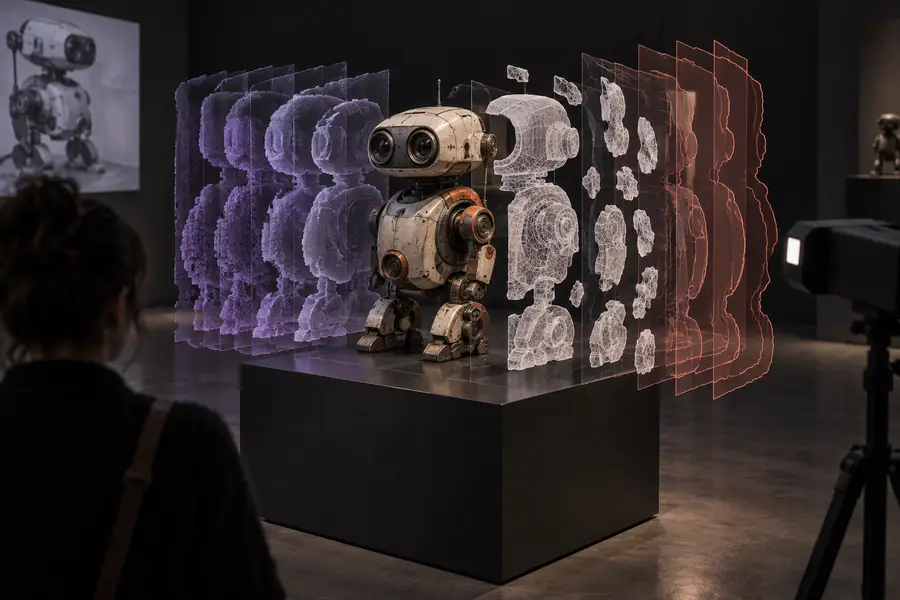
A generated model gives the team a faster blockout for scale, composition, and iteration. For broader AI workflows, see ai-generated 3d models from image.
ai-generated 3d models from image

Product designer

A designer wants to test the silhouette of a lamp, package, or household object before detailed CAD work.

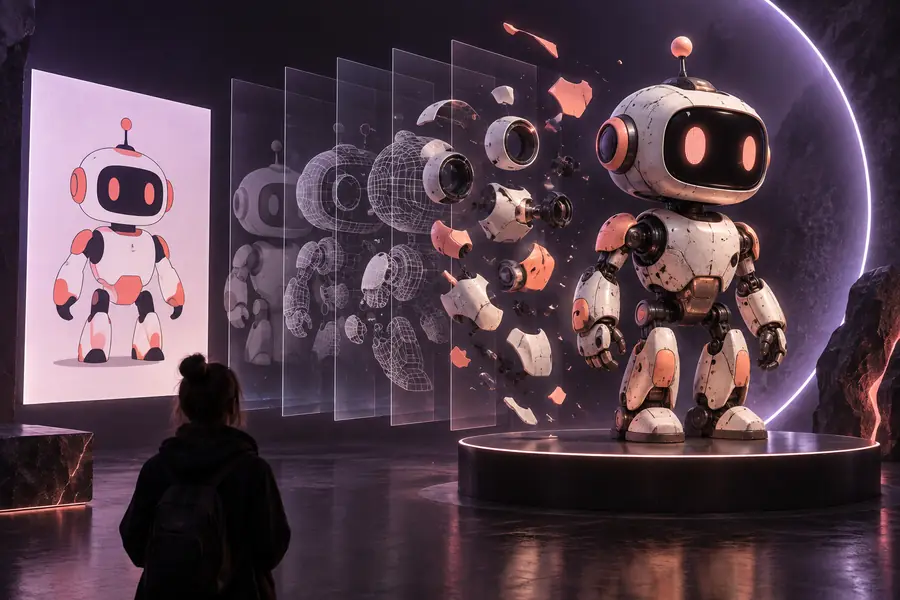
The model helps communicate volume and proportions while the design is still changing. A browser workflow is covered in image to 3d model free online.

image to 3d model free online

Teacher or student

A class needs to turn a visual example into something that can be rotated and discussed from several angles.

A rough 3D representation makes spatial reasoning and critique more concrete without requiring advanced modeling skills.

image to 3d model free no sign up

Maker

A maker has a reference photo and wants to investigate whether the object could become a printable starting point.

The generated mesh reveals proportions and missing information before cleanup, measurement, and printer preparation begin.

image to 3d model free for printer

From visual reference to spatial draft

Reference visual for image to 3D reconstruction
Reference image
Example collection of generated 3D models
3D model draft

The output is an estimate to inspect and refine, not a perfect scan.

Reference image3D model draft

The clearest way to evaluate image-to-3D generation is to begin with one well-lit reference, inspect the result from every angle, and decide what needs refinement. Use the free web tool as a practical first step for concepts, studies, and rough assets.

Understand the process, then try it

  • Start from a clear visual reference
  • Inspect hidden surfaces and thin details
  • Refine before printing or production use
Try the free tool

Frequently asked questions

It means using a web-based tool to create an estimated three-dimensional model from a two-dimensional image without beginning in a traditional modeling application. The result is usually a draft that may need inspection and cleanup.

The system analyzes visual signals such as the subject outline, shading, perspective, and visible surfaces. It then estimates depth and constructs a mesh or model that can be viewed from more than one angle.

Not necessarily. A single image cannot show hidden surfaces, so the tool must infer them. Multiple views, cleaner references, and manual refinement can improve the result.

It can help students, designers, game creators, makers, and anyone who needs a quick spatial draft from a visual reference. It is especially useful early in a project, before detailed modeling or fabrication decisions.

You should inspect and prepare it first rather than assuming it is print-ready. Check scale, wall thickness, holes, intersections, and mesh integrity, then repair or simplify the model as needed.

Start creating
Start creating